NewBook and manage your ads yourself in the portal
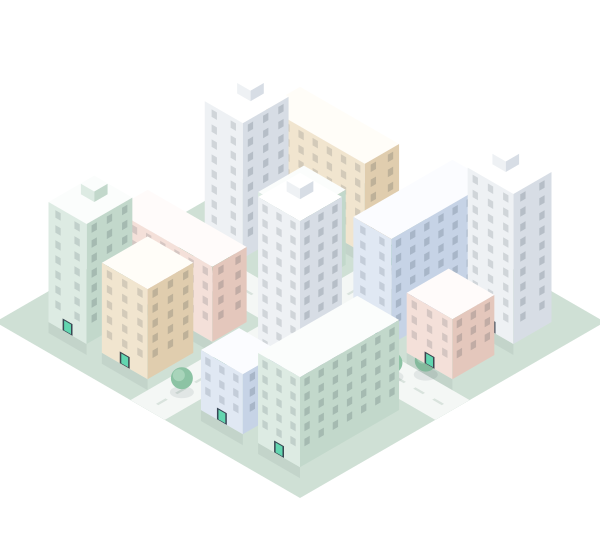
Ads on the screens in the stairwell, where people live.
Upload your ad, choose a period and send it in. In the portal you manage everything yourself: swap the image, pause, and see what has been shown.
Already have an account? Log in


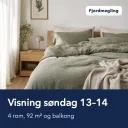




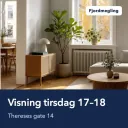

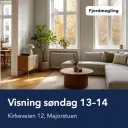

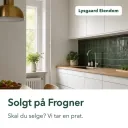
Screens in stairwells all over the city
- 1,500+ screensin stairwells and shared spaces where people live
- Every minuteyour ad takes its turn in the slot, around the clock
- One business dayis the usual time from submission to approval
How it works
From image to screen in three steps.
- 1
Get access
Tell us who you want to reach. We set up your account and reserve the screens that fit. You log in with a link sent by email – no password.
- 2
Upload and send it in
Upload the image, choose the crop and the period, and send it in. We review the ad, usually within one business day.
- 3
On the screens
Your ad takes its turn in the ad slot, every minute. Swap the image, pause or stop whenever you like.

The portal
One simple portal. You're in control.
Campaigns, images, screens and numbers in one place. You make the changes yourself, when it suits you, without waiting for anyone.
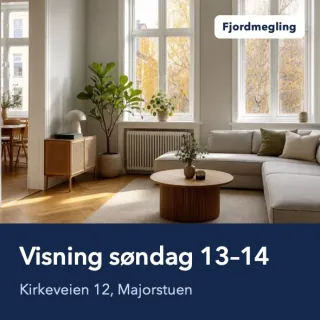
Swap the image anytime
The new image goes live as soon as it's approved. Until then the old one keeps showing, so the slot is never empty.
Order and seconds
Drag the images into the order you want, and choose how much of the time each one gets.
Pause in one click
Pause the campaign and start it again when it suits you – no new approval needed.
Honest numbers
See plays and time on screens, day by day. When there's free space, your ad is shown more often than you booked, at no extra cost.
Status in words
Pending approval, scheduled, showing now. You always see where your campaign stands, and you get an email when something happens.
The whole team
Invite colleagues as viewers, users or administrators. If you have several offices, each office gets its own account.
Ready to be seen where people live?
Tell us a little about you, and we'll set up your account and get in touch with suggested screens. You'll hear from us within one business day.
- A no-obligation offer
- You manage the ads yourself in the portal
- Every ad is reviewed before it's shown
Prefer to write? hi@lastmileads.com
What does it cost?
It depends on how many screens you want and for how long. You get an offer tailored to you, with no obligation.
Where are the screens?
In stairwells and shared spaces in housing cooperatives and apartment buildings. When we set up your account, we find the screens that match where you want to reach people.
What format does the image need?
A square image, ideally 590 × 590 pixels, in JPEG, PNG or WebP. You choose the crop yourself when you upload.
How often is the ad shown?
The slot shows the ads in turn, every minute, around the clock. Your campaign has a fixed number of seconds every minute, and you split the time between your images. When there's free space, it's shown more often.
Who approves the ads?
We review every ad before it's shown, usually within one business day. The screens are where people live, children too, so the content must suit everyone.
Can several people in the company use the portal?
Yes. Invite colleagues as viewers, users or administrators. If you have several offices, each office can have its own account.